

Redeem your vouchers at Banya No.1 – Hoxton
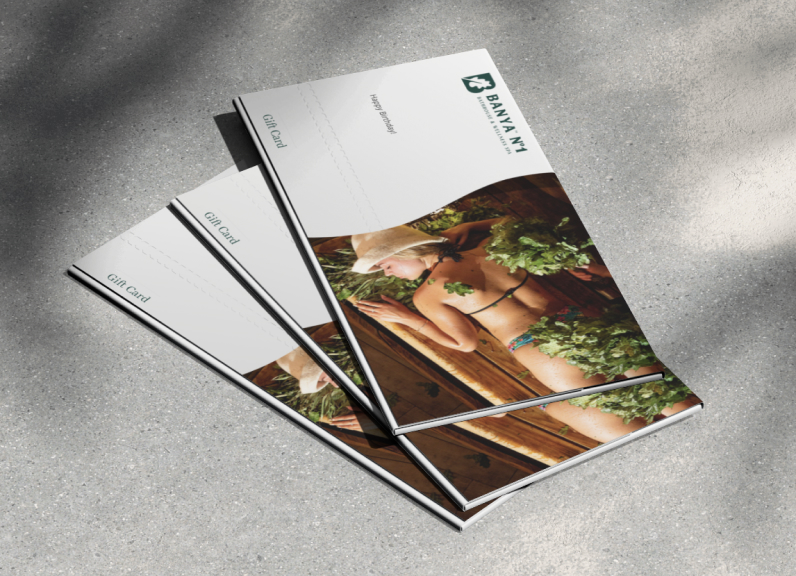
You’re welcome to upgrade your package beyond the value or type of your voucher. If you choose to do so, the difference can be settled at the end of your visit.
Each gift voucher includes a unique reference ID code (starting with hox- и banya-hox, which should be presented upon arrival. Advanced bookings are recommended to secure availability, either by phone or online through our website.
To redeem a voucher online, select the voucher type, and include the unique voucher number in the booking notes during checkout.
Please note: if you’re unable to attend, the voucher will be automatically redeemed.
Find your gift card and book your visit
Enter the gift card number and recipient email address. If both details match, we will show the correct package and booking options.
Find your gift card
Enter both details exactly as they appear on the gift card email.
Choose your package
Your gift card
Add the gift card number to Booking notes
After pressing Book now, continue through Fresha and paste your gift card number into the Booking notes field before confirming.
Tell us anything we should know before your visit.
- 1Choose your date and session.
- 2Paste the gift card number into Booking notes.
- 3Show the gift card when you arrive.
Choose how you would like to book
Book online or contact Reception by WhatsApp or phone.
